
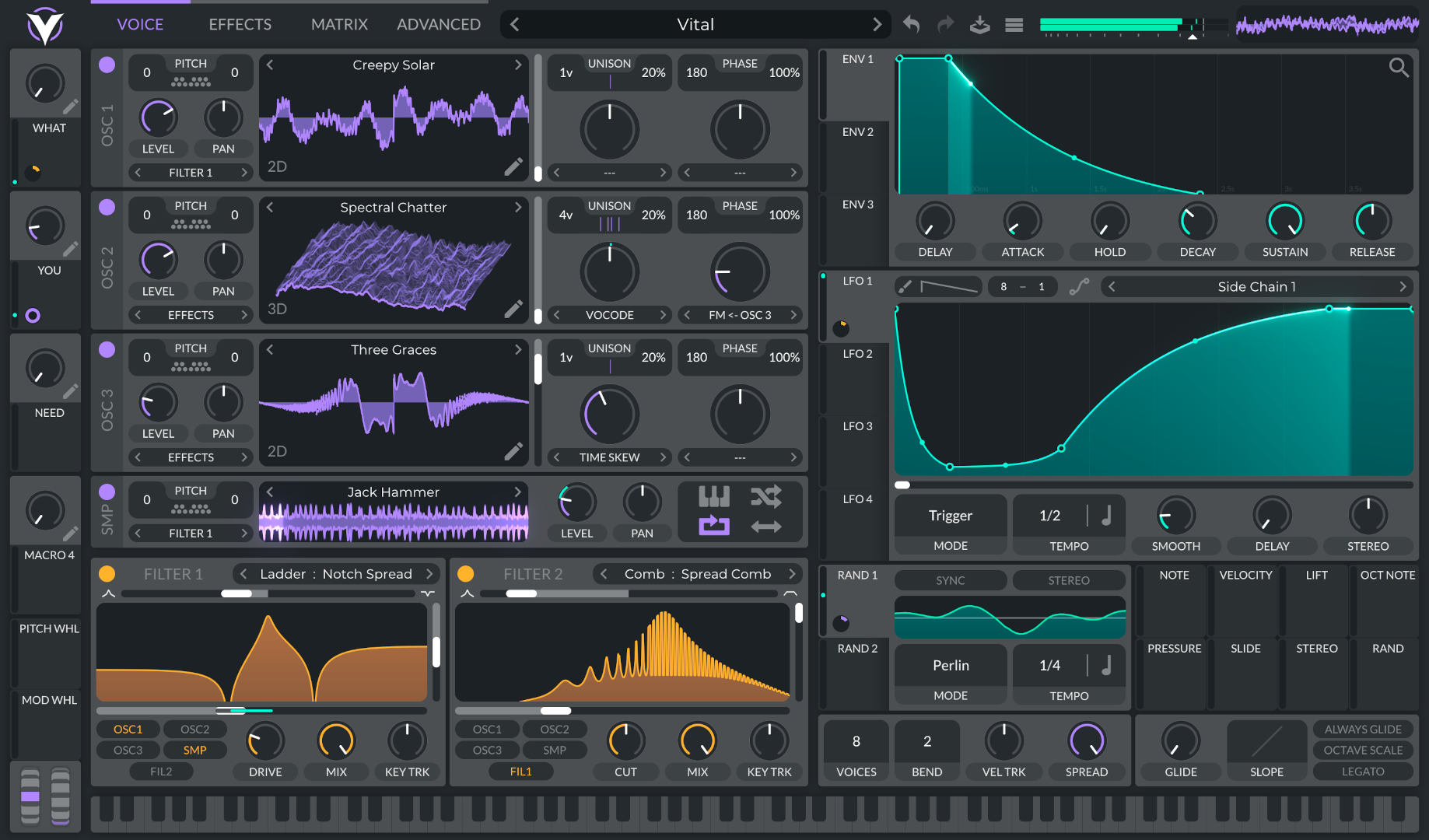
 Wavetable synthesizer
Vital
Create basses, leads, pads and electronic effects.
Official website and download
DAWcito Professional is a DAW, a digital audio workstation for 64-bit Windows 10 and Windows 11 (x64). Start with the Free plan to create, record, edit and mix music with the Piano Roll, Channel Rack, MIDI sequencing, audio tracks and VST3 plugins.
Two plans to start producing
Both plans include native music production for 64-bit Windows 10 and Windows 11 (x64) and MIDI, audio and VST3 compatibility.
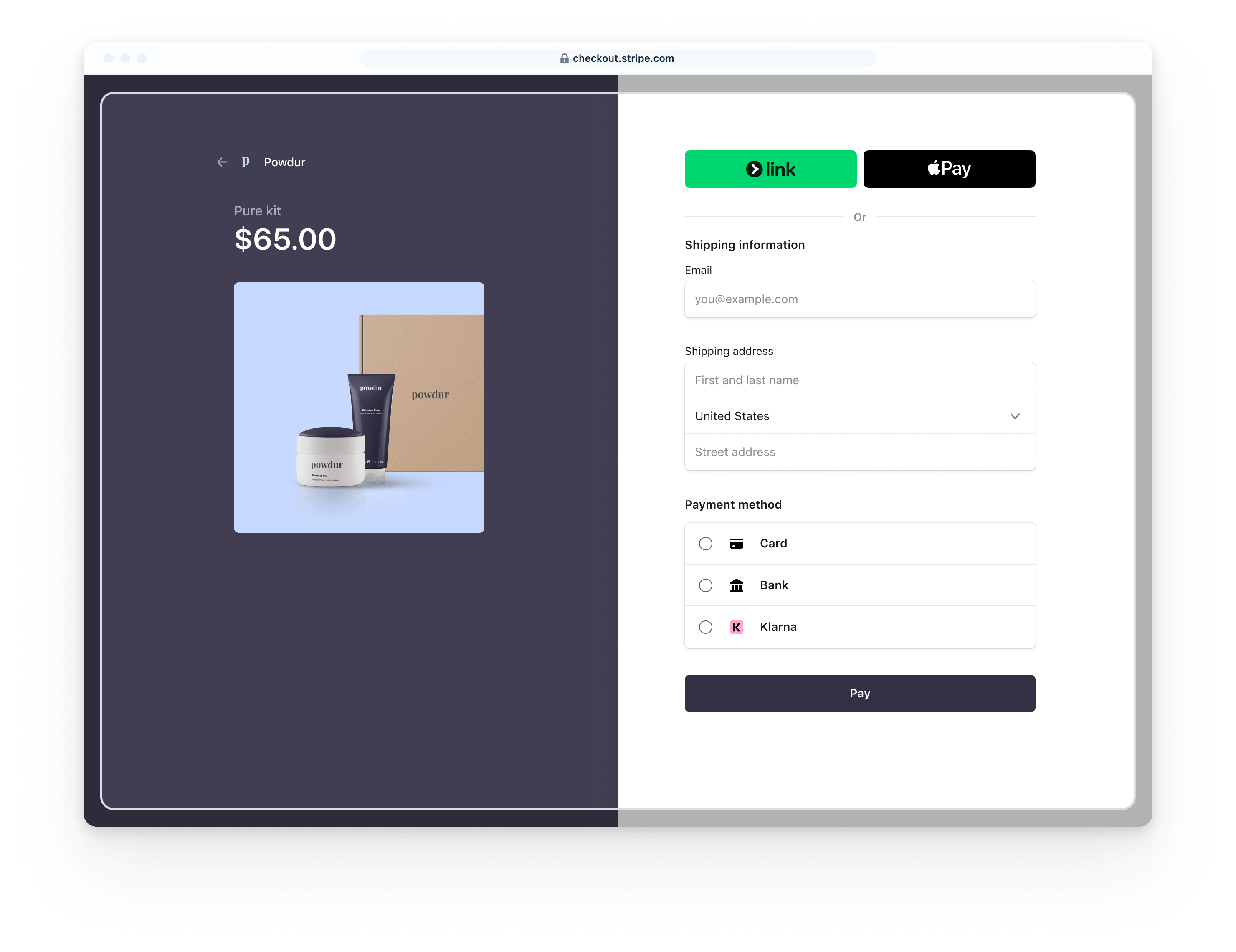
Stripe Checkout example. Illustrative product and amount.
Payments with Stripe
We offer Stripe as a payment option for DAWcito PRO because it specializes in processing online payments. Stripe uses encryption and tokenization to protect card data and is certified as a PCI DSS Level 1 service provider.
This lets us offer a payment experience backed by Stripe's security infrastructure while you focus on creating music.
Learn how Stripe protects your paymentsDAWcito Professional
The plugins recommended here are external third-party tools: they are not developed, included or distributed by DAWcito. See the recommended plugins list and check each product's compatibility and terms with its developer.
Wavetable synthesizerCreate basses, leads, pads and electronic effects.
Official website and download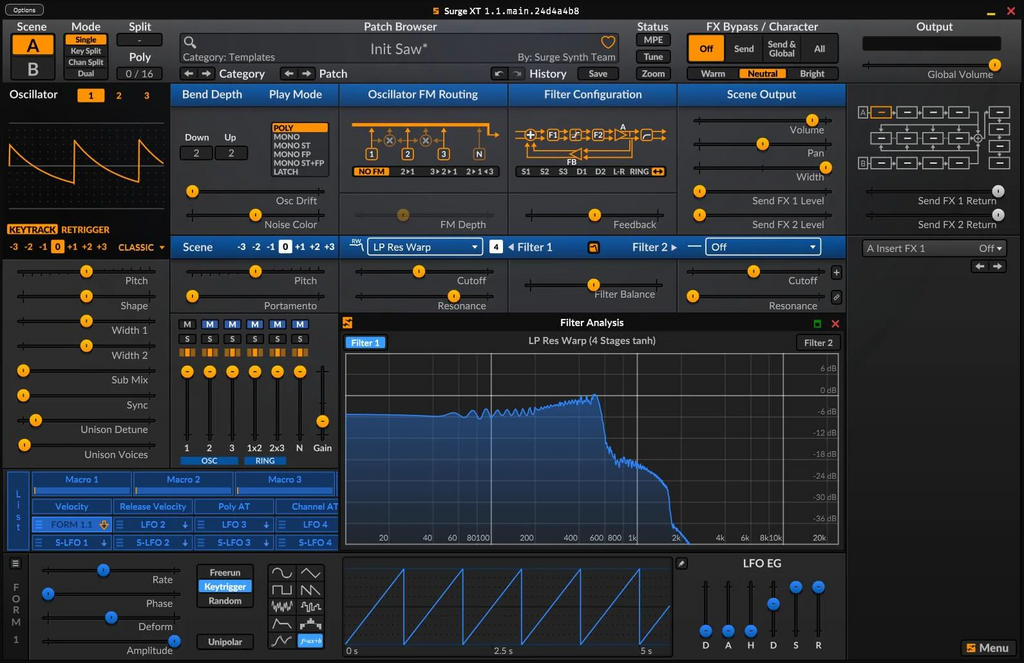 Hybrid synthesizer
Combine wavetable, FM and virtual analog synthesis with a wide range of presets.
Official website and download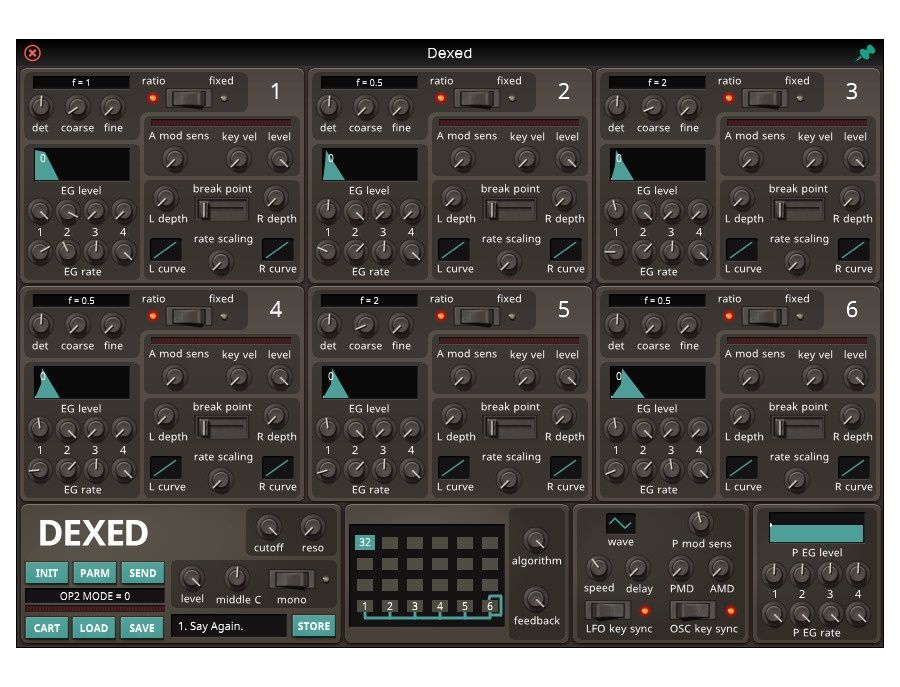 FM synthesizer
Ideal for basses, electric pianos, bells, plucks and digital sounds.
Official website and download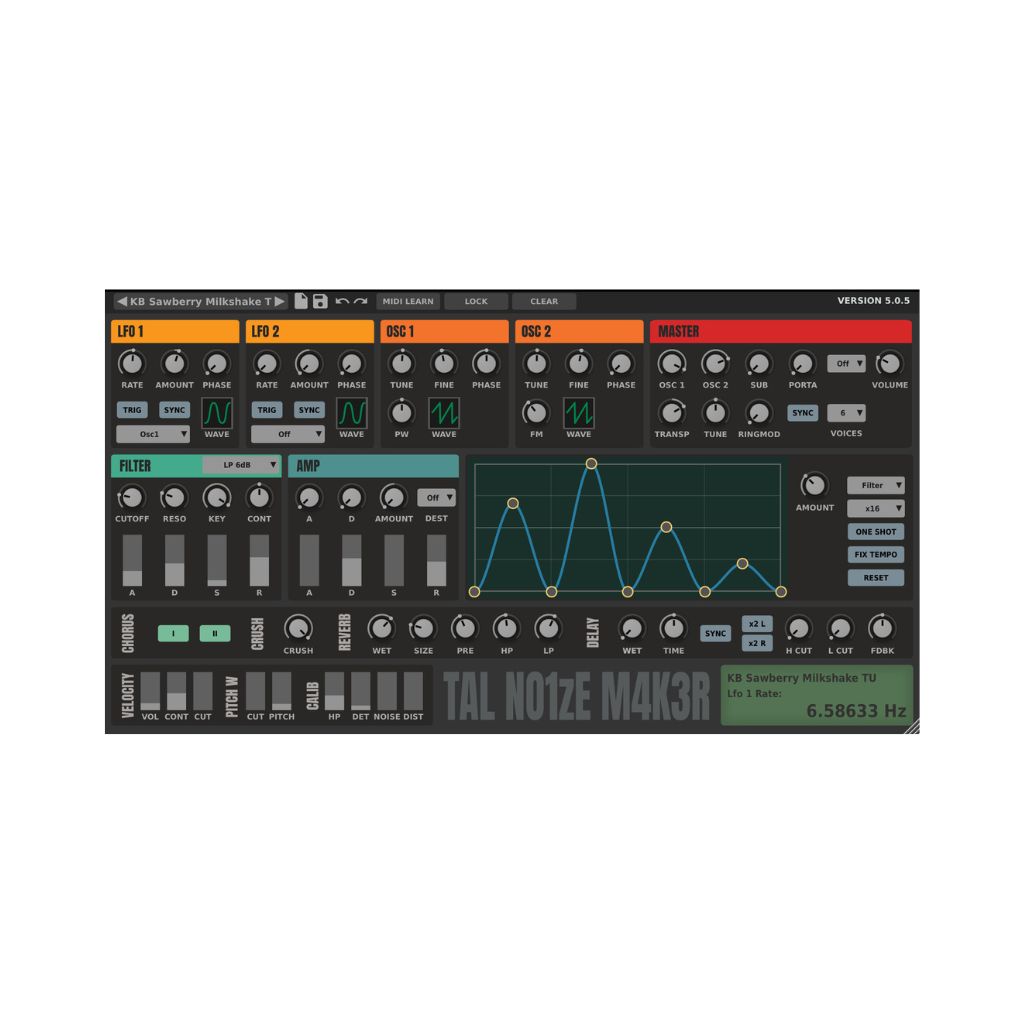 Virtual analog synthesizer
Design basses, leads, pads and analog-style sounds.
Official website and download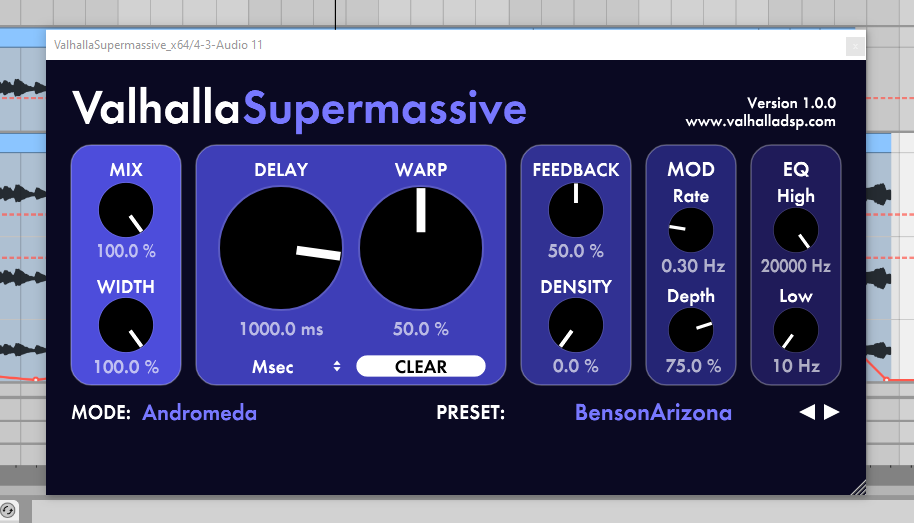 Reverb and delay
Create spacious reverbs and echoes for spatial sound design.
Official website and download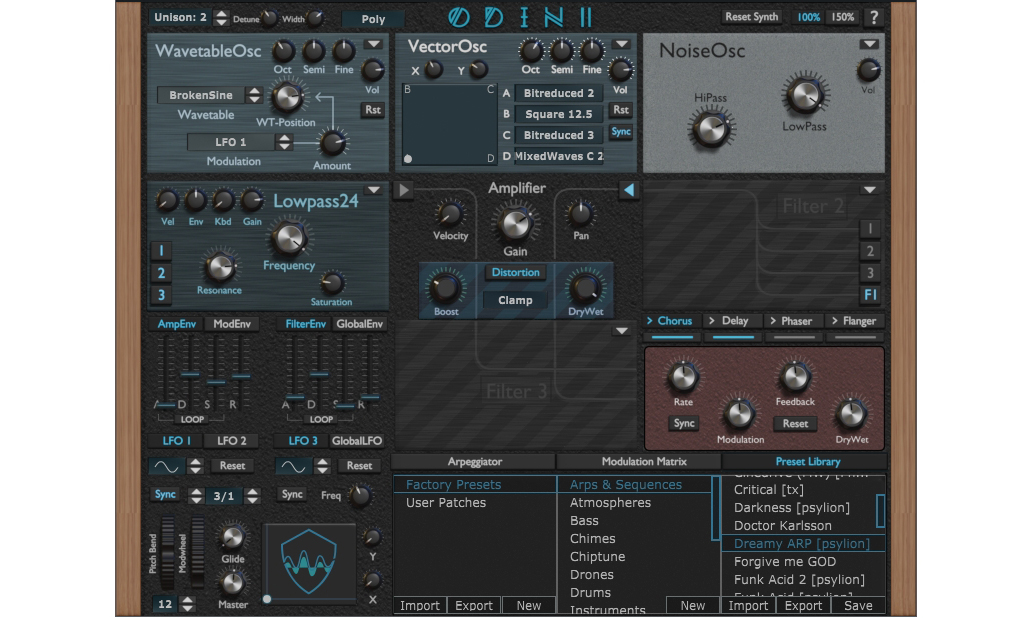 24-voice synthesizer
Design basses, leads, pads and custom waveforms.
Official website and download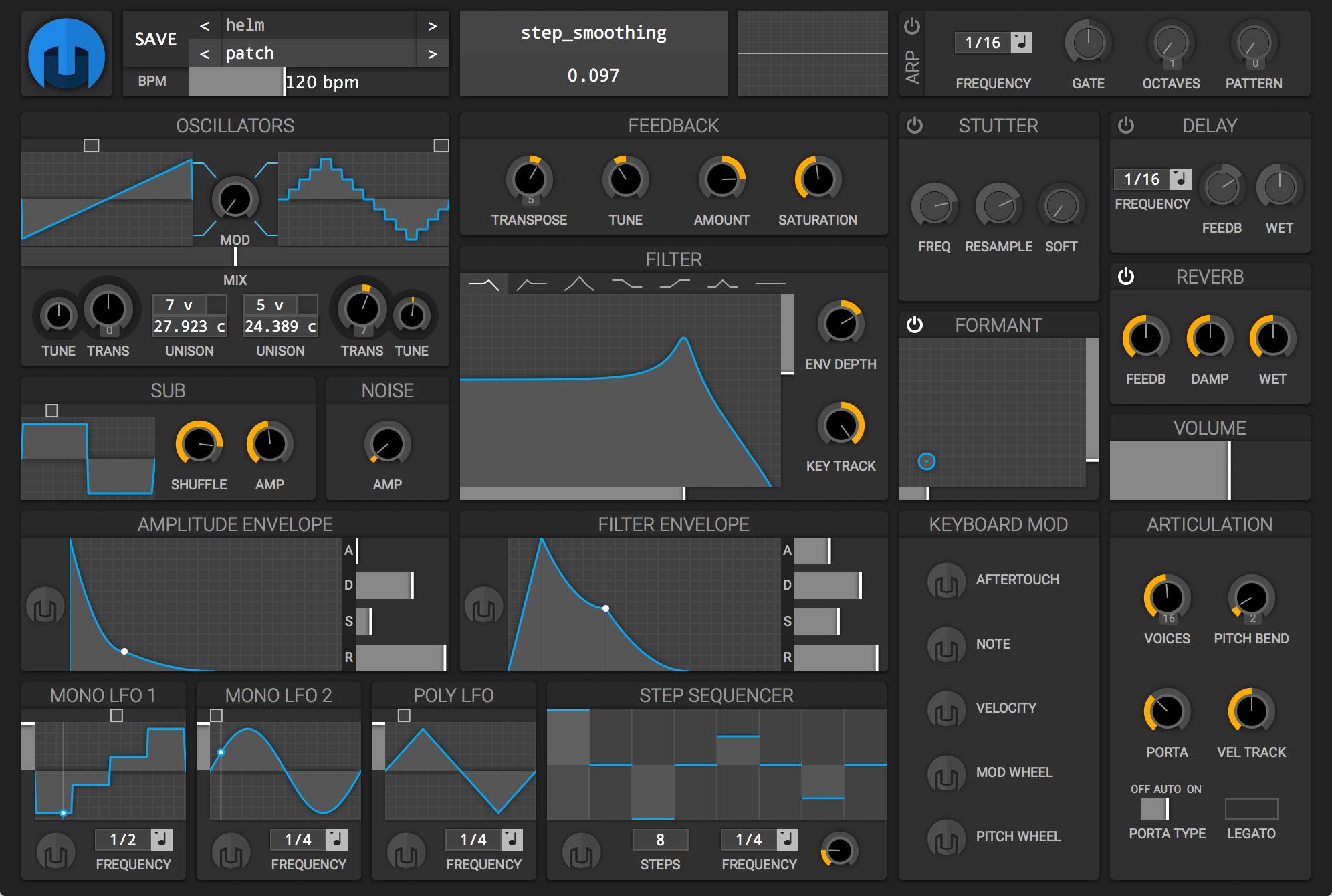 Open-source synthesizer
An independent instrument for creating basses, leads and pads.
Official website and download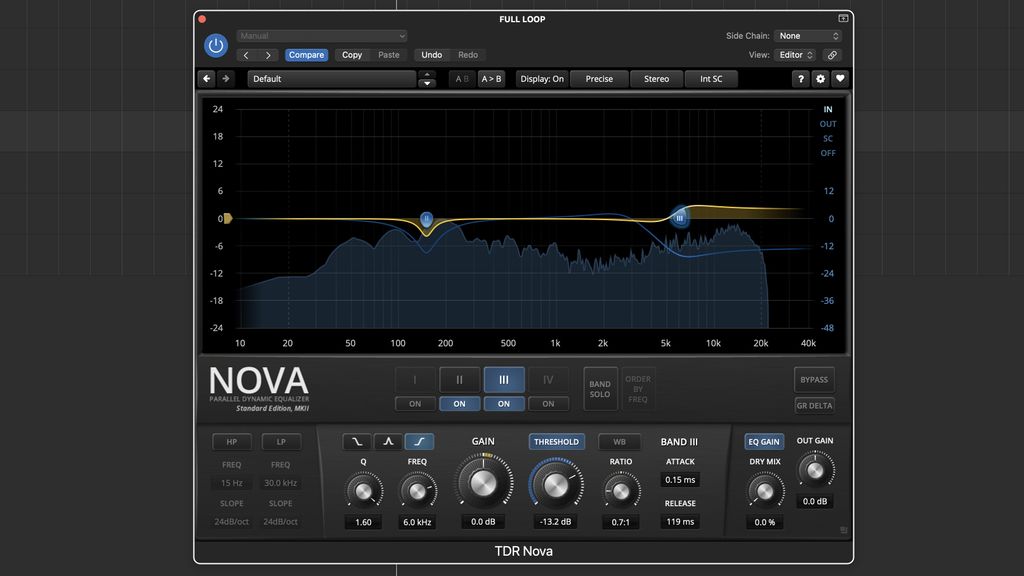 Dynamic equalizer
Process frequencies with parametric and dynamic equalization.
Official website and download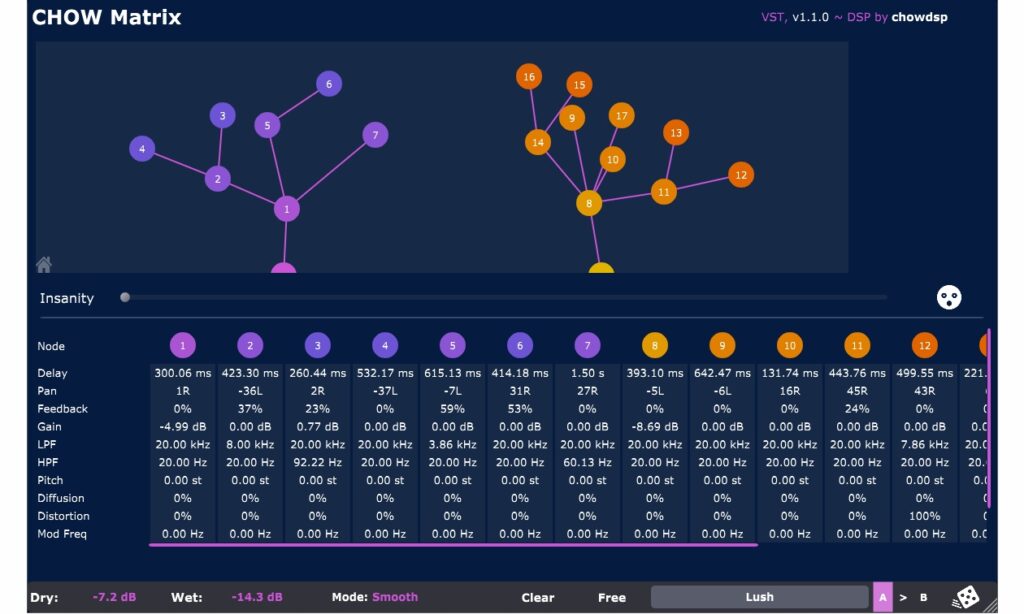 Matrix delay
Configure delay lines with feedback, panning and distortion.
Official website and download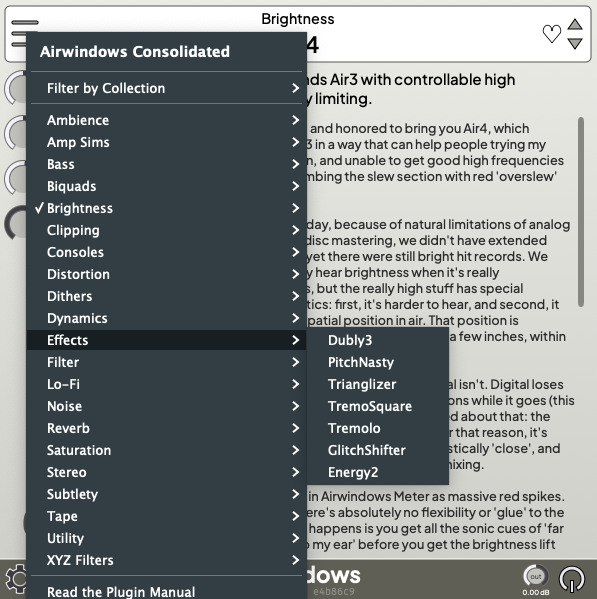 Effects collection
Effects for tone, dynamics, equalization, tape color and ambience.
Official website and downloadThese are independent third-party plugins; they are not developed, included or distributed by DAWcito. Check requirements and licenses on their official websites.
MIDI composition
MIDI sequencing
Recording and editing
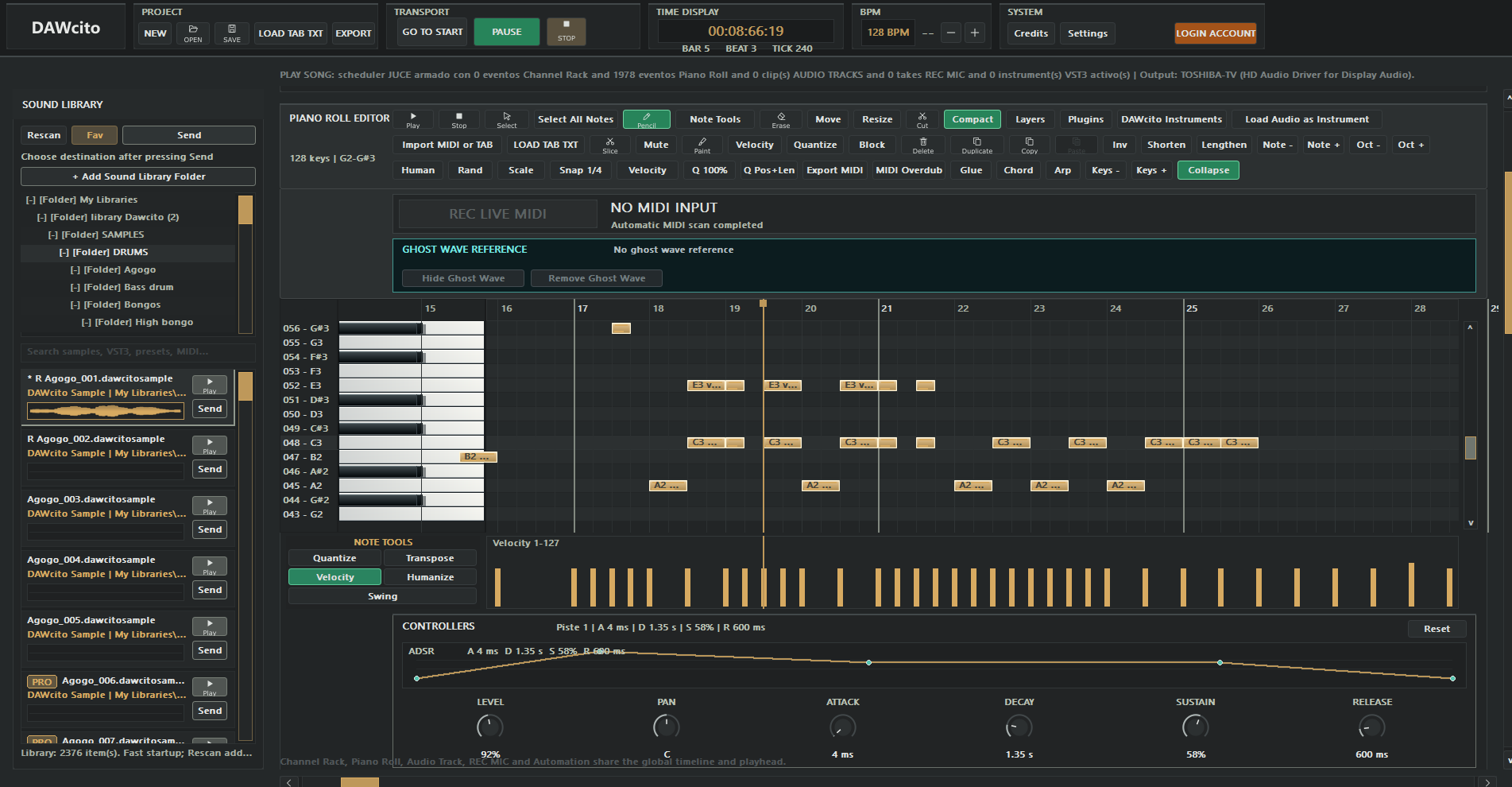
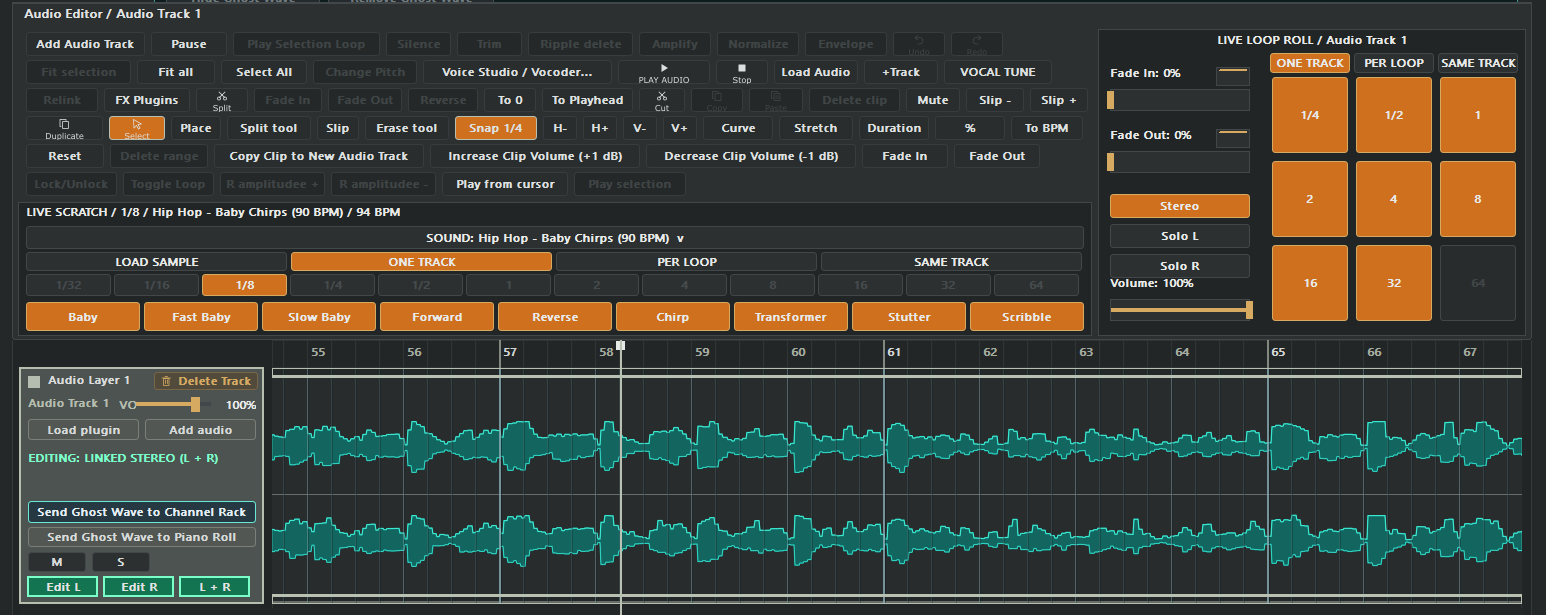
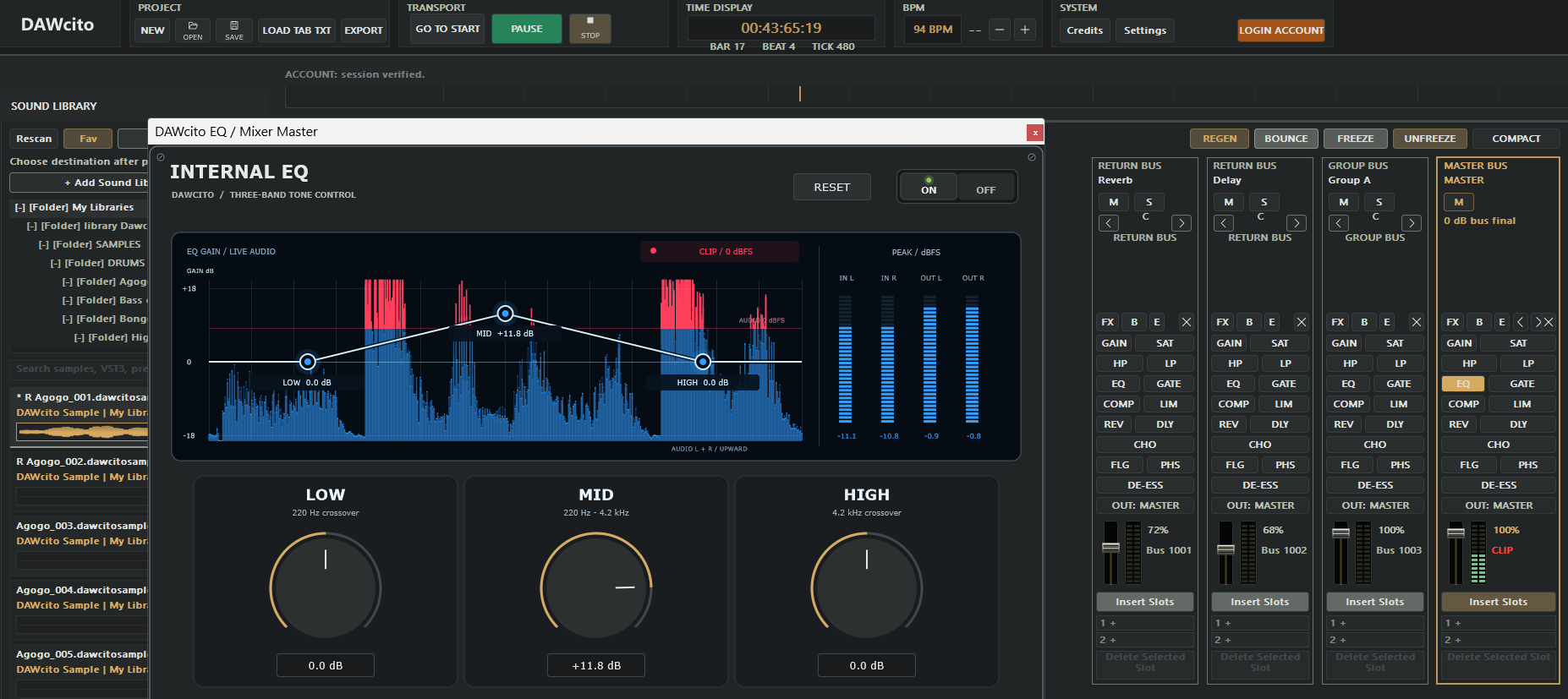
A DAW (Digital Audio Workstation) is music production software for composing, recording sound, editing tracks and mixing a song. DAWcito brings MIDI and audio tools together in one Windows application.
DAWcito offers a Free plan at 0 USD and a PRO plan at 9 USD per month. The Free plan includes the Piano Roll, Channel Rack, recording, mixing and export. PRO adds opening .dawcito projects and the features listed in the plan comparison.
DAWcito works on 64-bit Windows 10 and Windows 11 (x64) and supports VST3 instrument and effect plugins. Check each plugin developer’s system requirements.
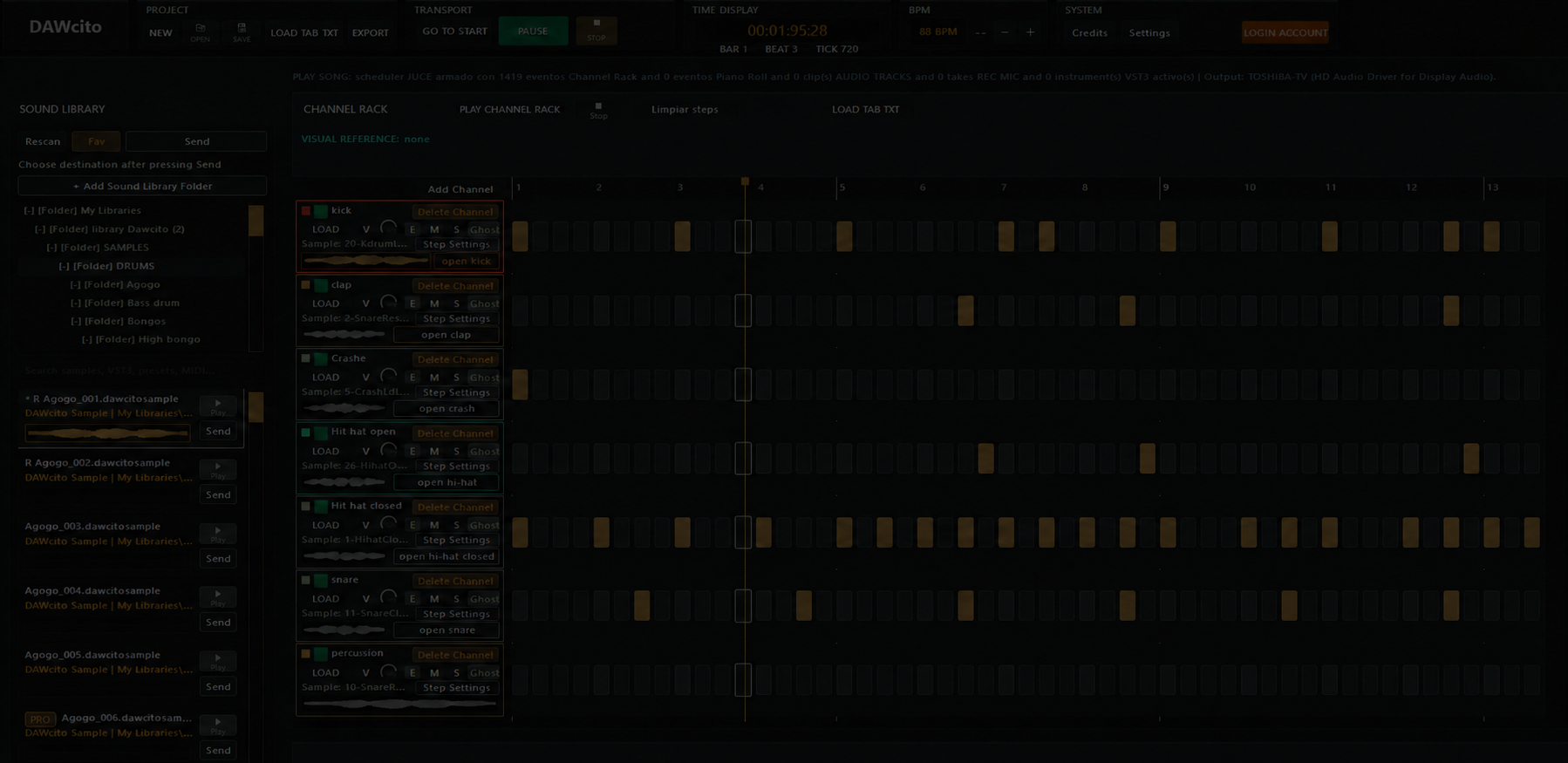
Download DAWcito Professional from Microsoft Store. Program a beat in the Channel Rack, write notes in the Piano Roll, record audio and export your mix to WAV, AIFF or FLAC.